Assignment 00 (Ungraded)
Goal: Familiarize yourself with
compasandcompas_timberby creating a manually constructed reciprocal frame node and transitioning to an automated, rule-based workflow using a custom class.
In class, we will go through the basic cases of setting up a timber model, direct joint assignments, and joint rules. This assignment bridges these concepts by tasking you with the development of a TimberModelCreator class that will contain methods to create timber models. This class will be extended and used throughout the course.
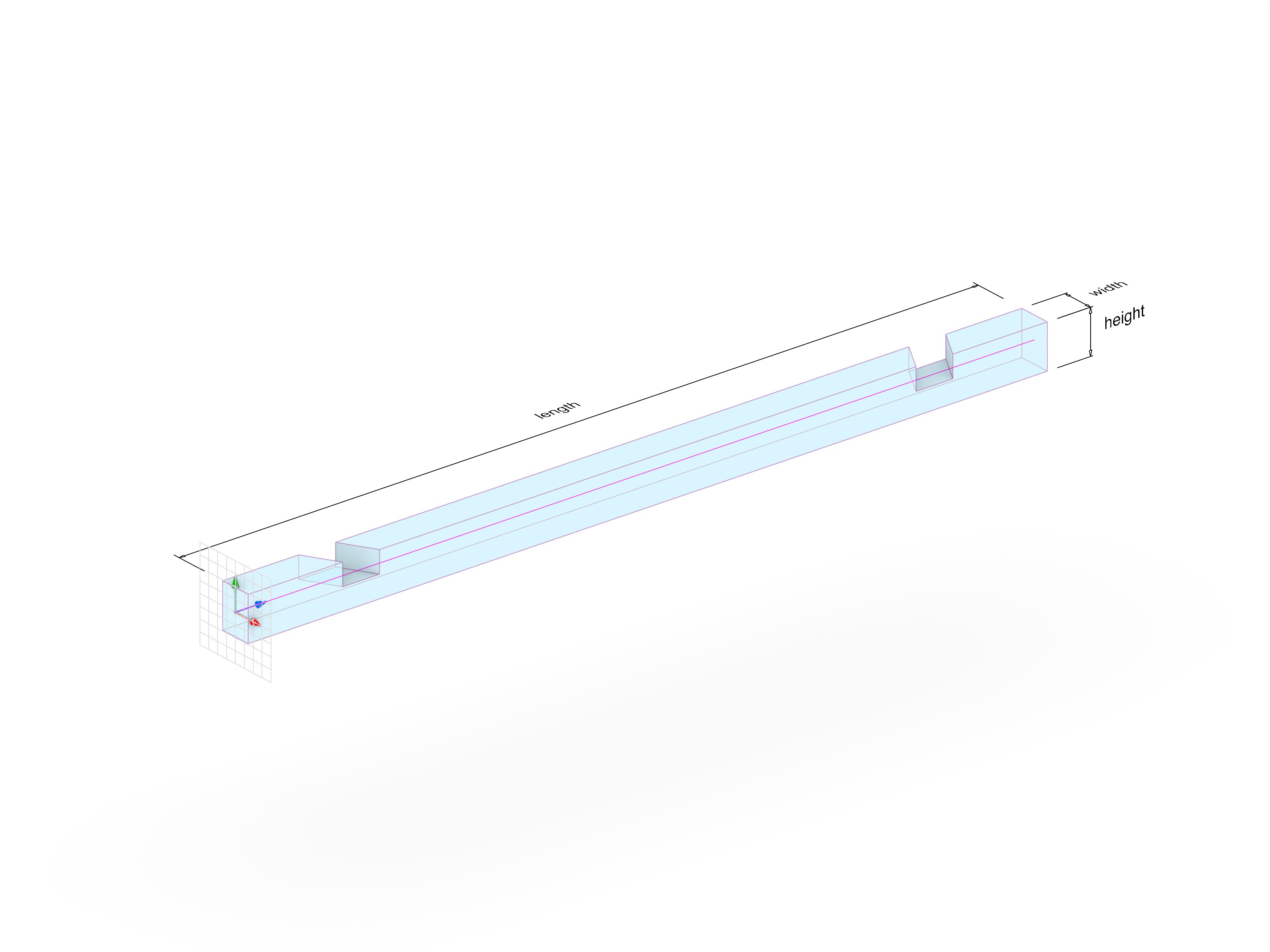
Exercise Steps
We have provided a Grasshopper file (a00_compas-timber_starting_point.ghx) that contains the starting components for each part of the assignment.
Part 1: Manual Construction
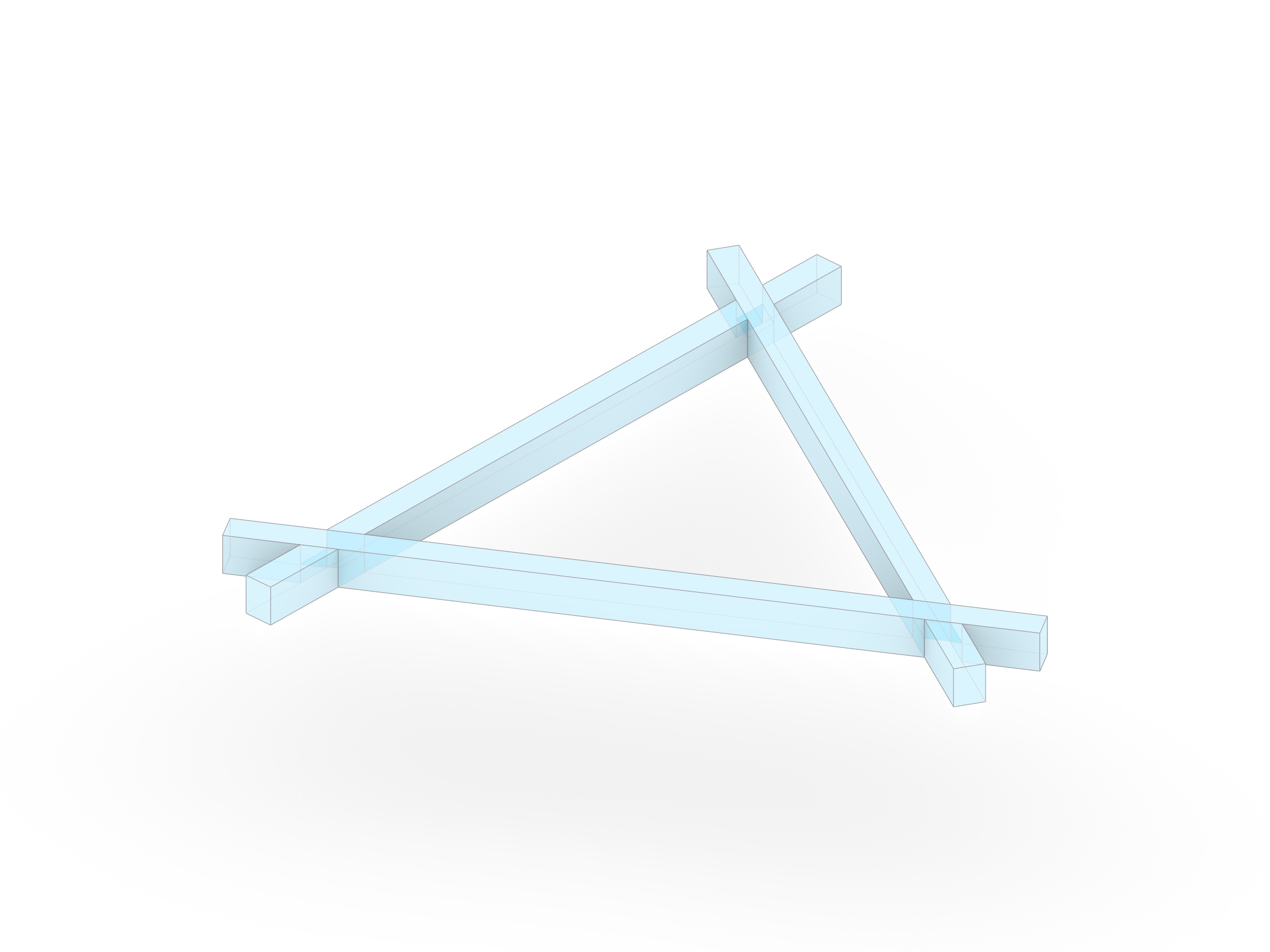
Construct a simple reciprocal frame (RF) node to understand the fundamental components of a COMPAS Timber model.
- Open
a00_compas-timber_starting_point.ghxin Rhino/Grasshopper. - Locate the group labeled Direct Joint Assignments.
- Double-click the Python component to open the editor.
- Complete the code inside to:
- Creating beams from lines (
Beam.from_centerline). - Manually placing joints (
XLapJoint.create).
- Creating beams from lines (
Part 2: Rule-Based Logic
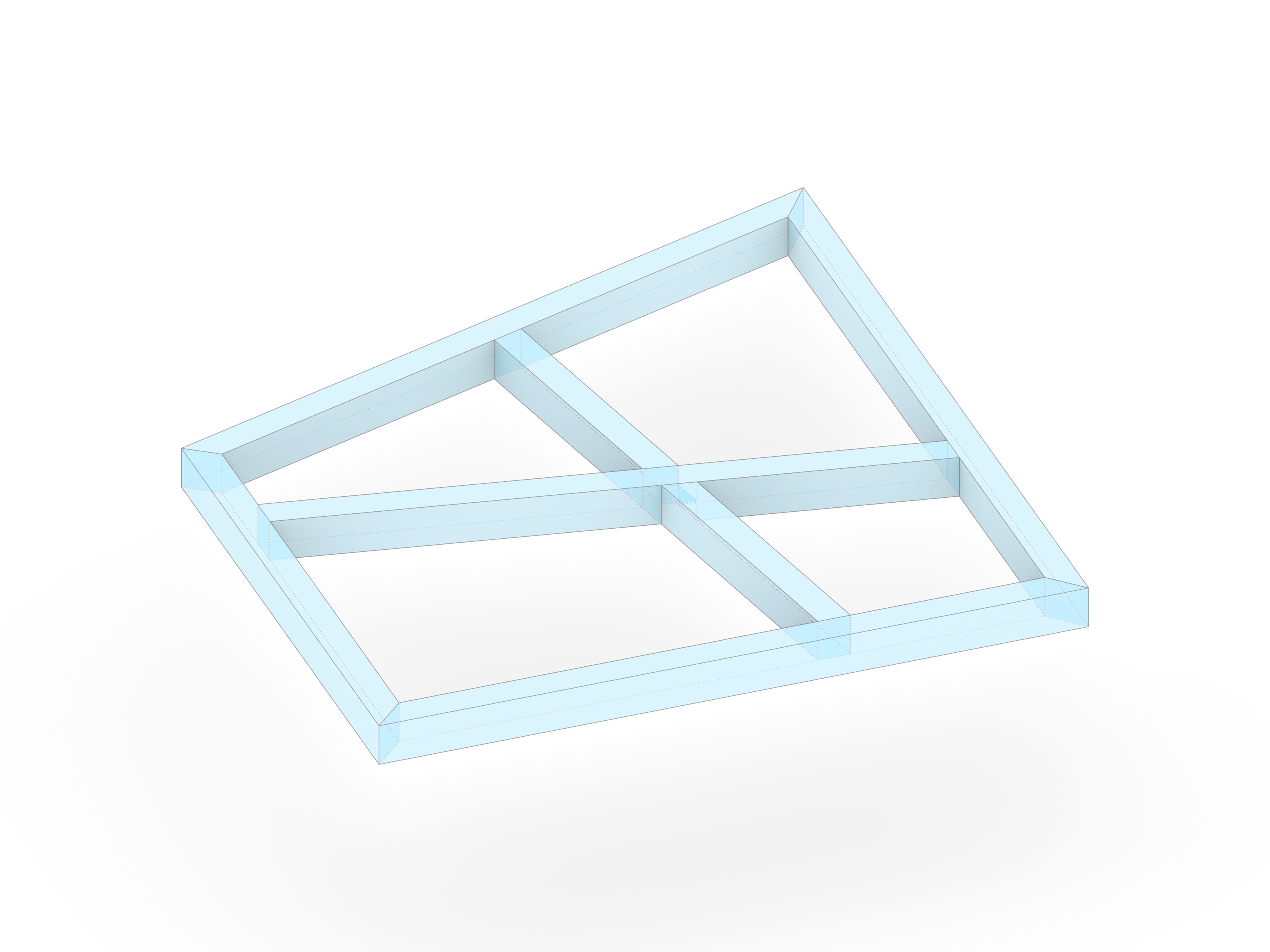
Transition from manual assignments to rule-based automation.
- Locate the group labeled Topology in the Grasshopper file.
- Open the Python component and complete the code to use:
- Topology Rules: Defining rules based on intersection types (X, T, or L shapes).
- You can use the other two rule examples provided in the code right above.
Part 3: Automated Workflow with Classes
To prepare for more complex structures, you will implement/extend a helper class called TimberModelCreator in an external Python file, and then use it inside Grasshopper.
- The Class:
- Open
a00_timber_model.pyin VS Code. - Implement the missing methods:
create_beams,add_topology_rules, andapply_rules.
- Open
- The Script:
- In Grasshopper, locate the group labeled COMPAS Timber Model - From Lines.
- The Python component there is already set up to import your class.
- Run the component (or press the button) to verify your class generates the model correctly.
Note: If you make changes to the
.pyfile while Grasshopper is running, the code should update automatically thanks to a feature of COMPAS for auto reloading.
Expected Output
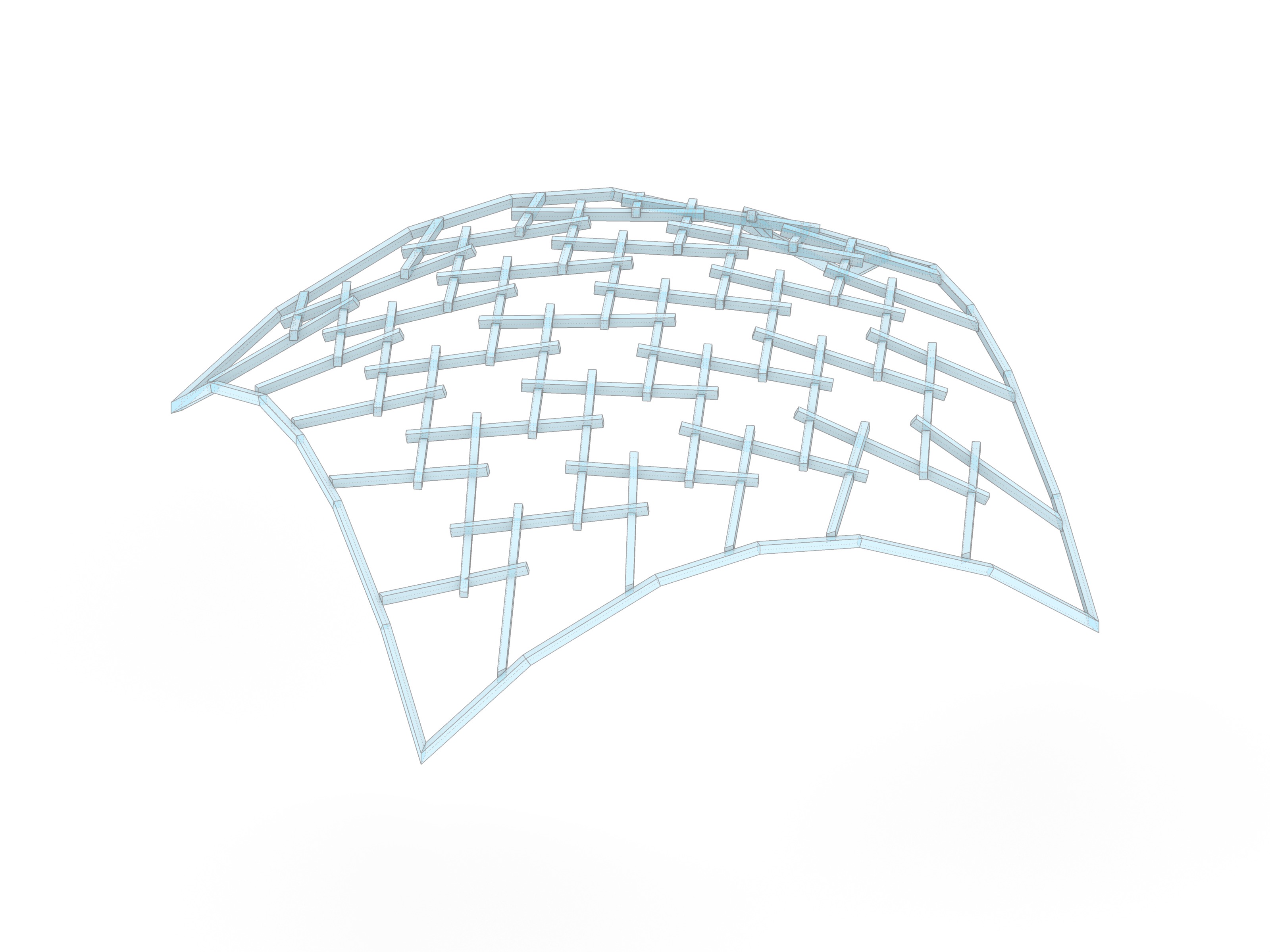
- A functional reciprocal frame unit consisting of three beams.
- Correct joinery at all beam intersections.
- A clean geometric output visualized in Rhino.